5 done
A daily journal for your to-dos.
6 open
4 waiting
Each day gets one page. What you don’t finish waits on tomorrow’s, and what you do is kept in History.
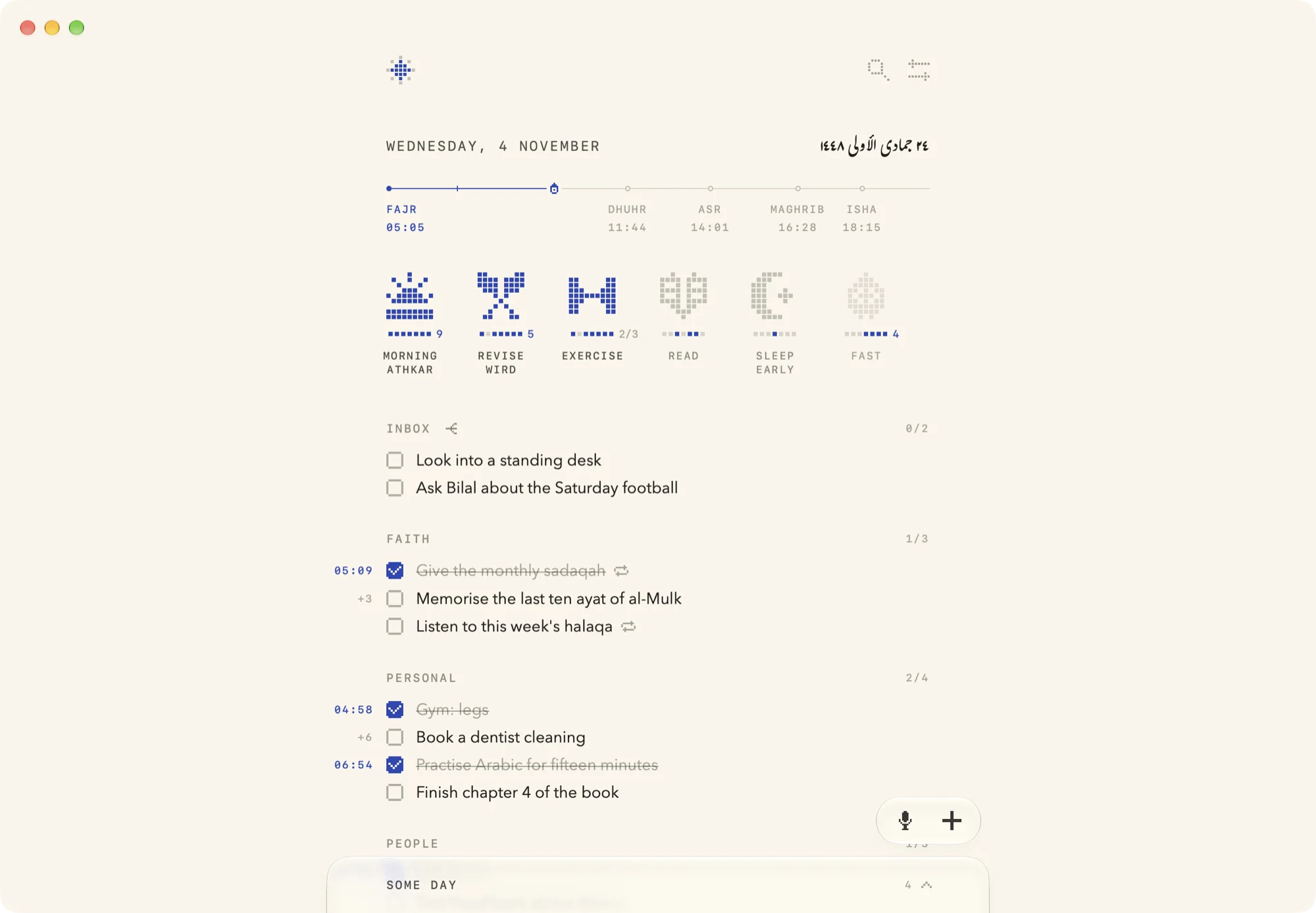
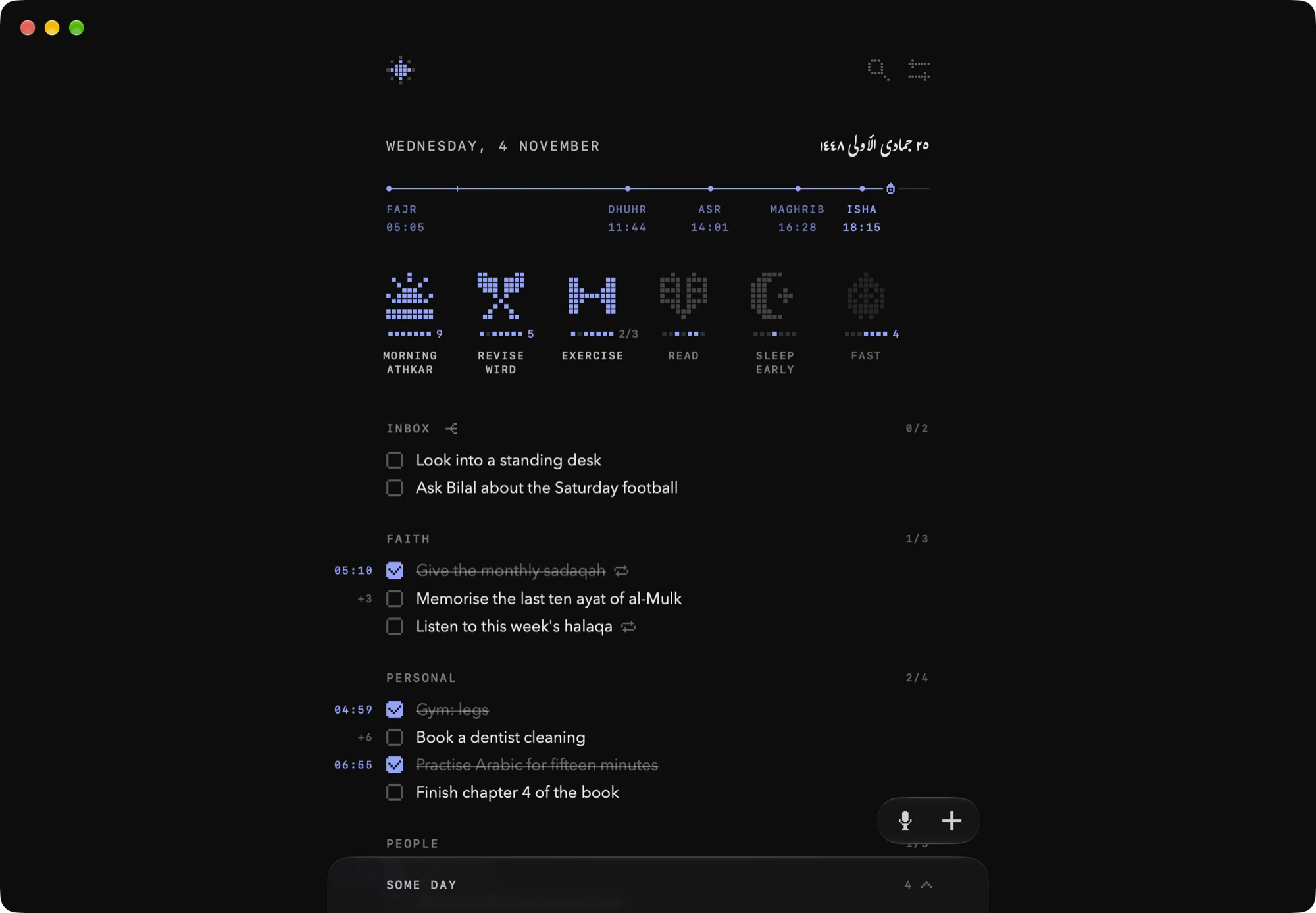
Today’s page, set to your day. Tick a task.
Tasks carry over
First, you write it down.
Not done by 4am? It carries over, counting the days.
Past a week it turns red and offers Some day.
Done, it stays till 4am, then goes to History.
What’s left today
waits for tomorrow.
The day turns over at 4am by itself. Open tasks stay on Today, counting the days, and done ones move to History. Nothing to copy, nothing to tidy.
Keep a habit, watch the run grow
The star
Fills from the centre as the day’s habits are kept.
A seal of its own
Drawn from the habit’s name, from a hundred drawings.
The last seven days
Lapis where it was kept. The run shows from three.
Its record
Days kept and the longest run, at the top of its menu.
Rest
Rest a day, or until a date. The run waits for you.
A rhythm
Three times a week, or on set days. A day it isn’t due never breaks the run.
Say it. It’s filed.
Tap the plus to write a task, or the mic to say it. Rūznāma puts it under the right section, on your own iPhone or Mac.

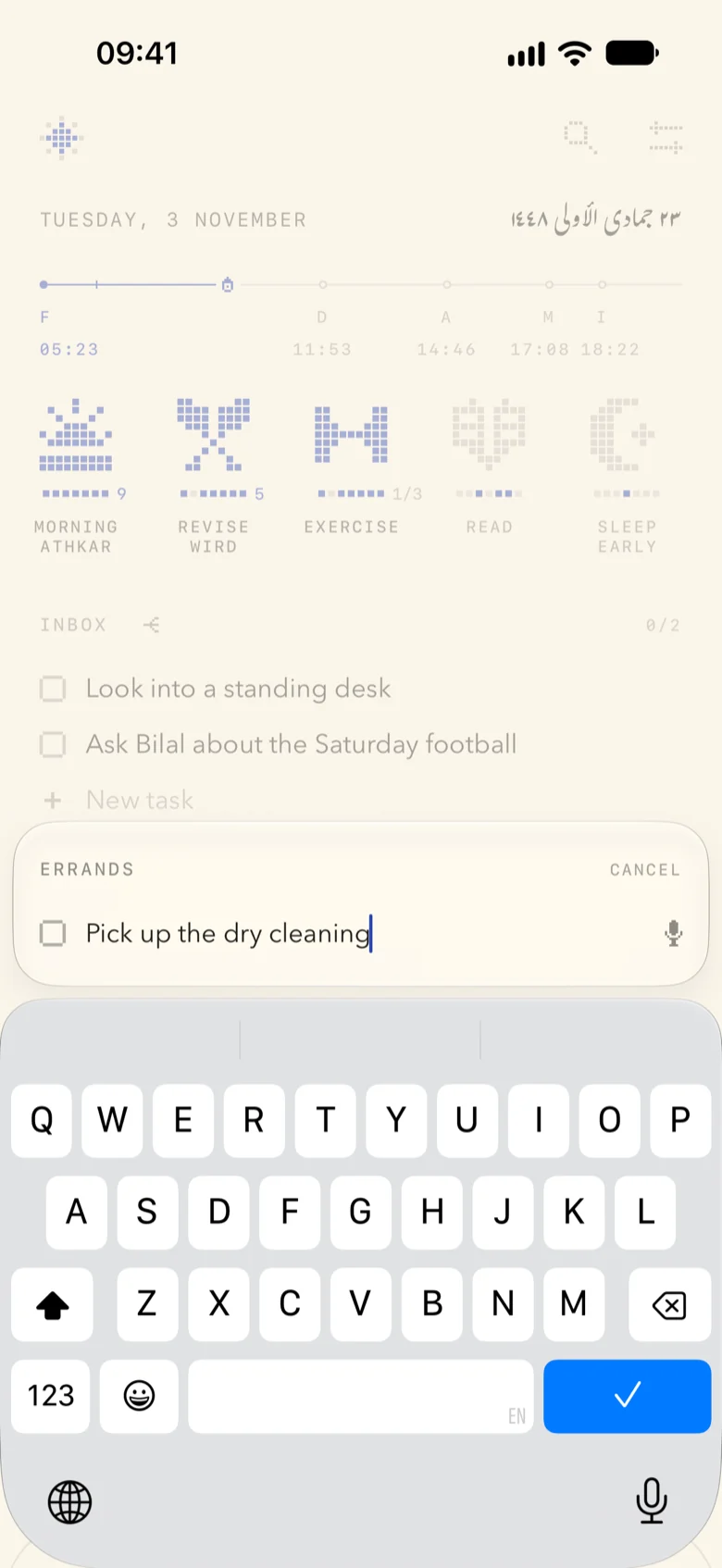
Write it in one line
The card shows where the task will land before you press Return. Say tomorrow or some day at either end and it goes to that page.

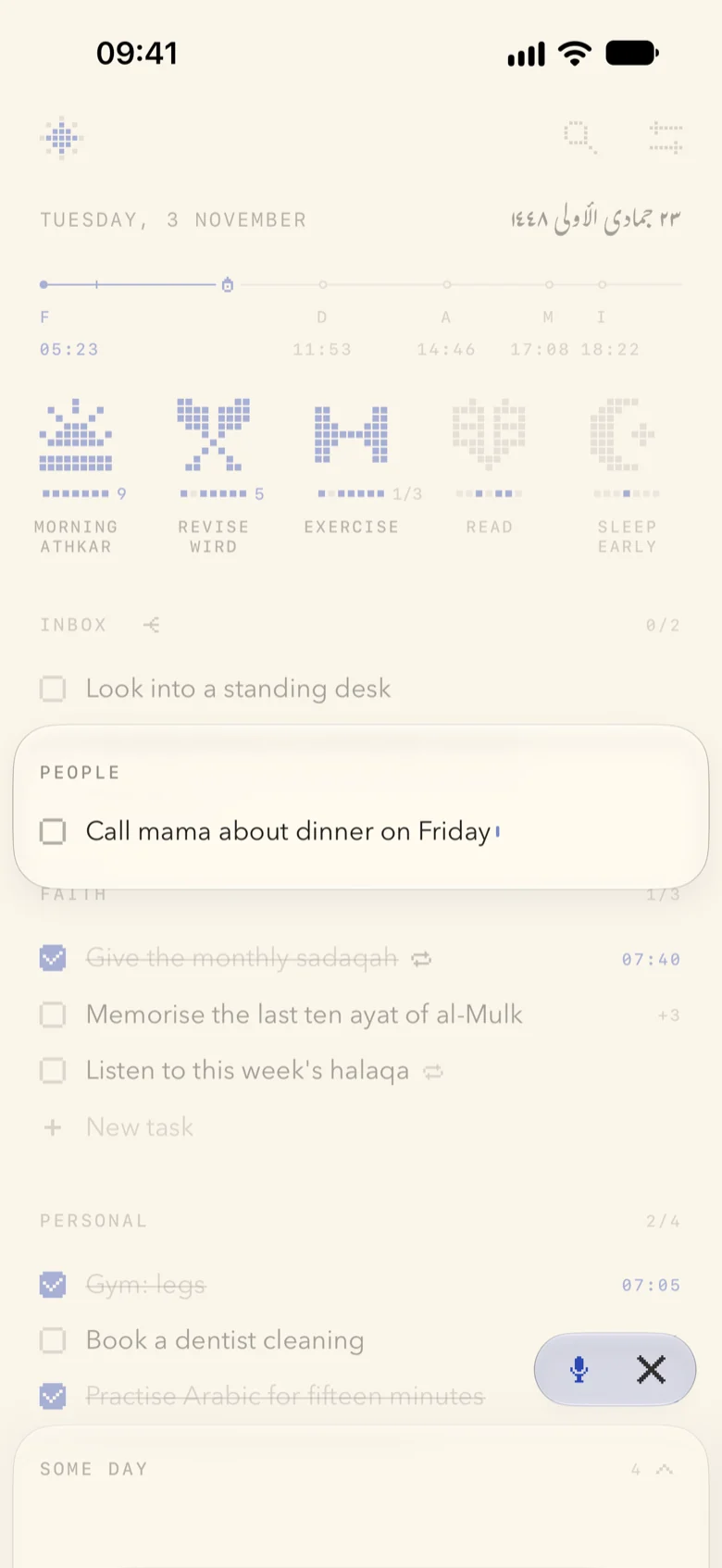
Or say it
Your words ink in as you speak. Two seconds after you stop, the task is filed and the page nods where it landed.
Call mama and book the dentist
Two tasks in one breath
Say two things at once and each is filed on its own, cut from your own words.
Sorted on the device
Apple Intelligence, on your iPhone, picks the section where it’s available. Anything unclear waits in the Inbox, with its likeliest section beside it.
Plan the day around the prayers
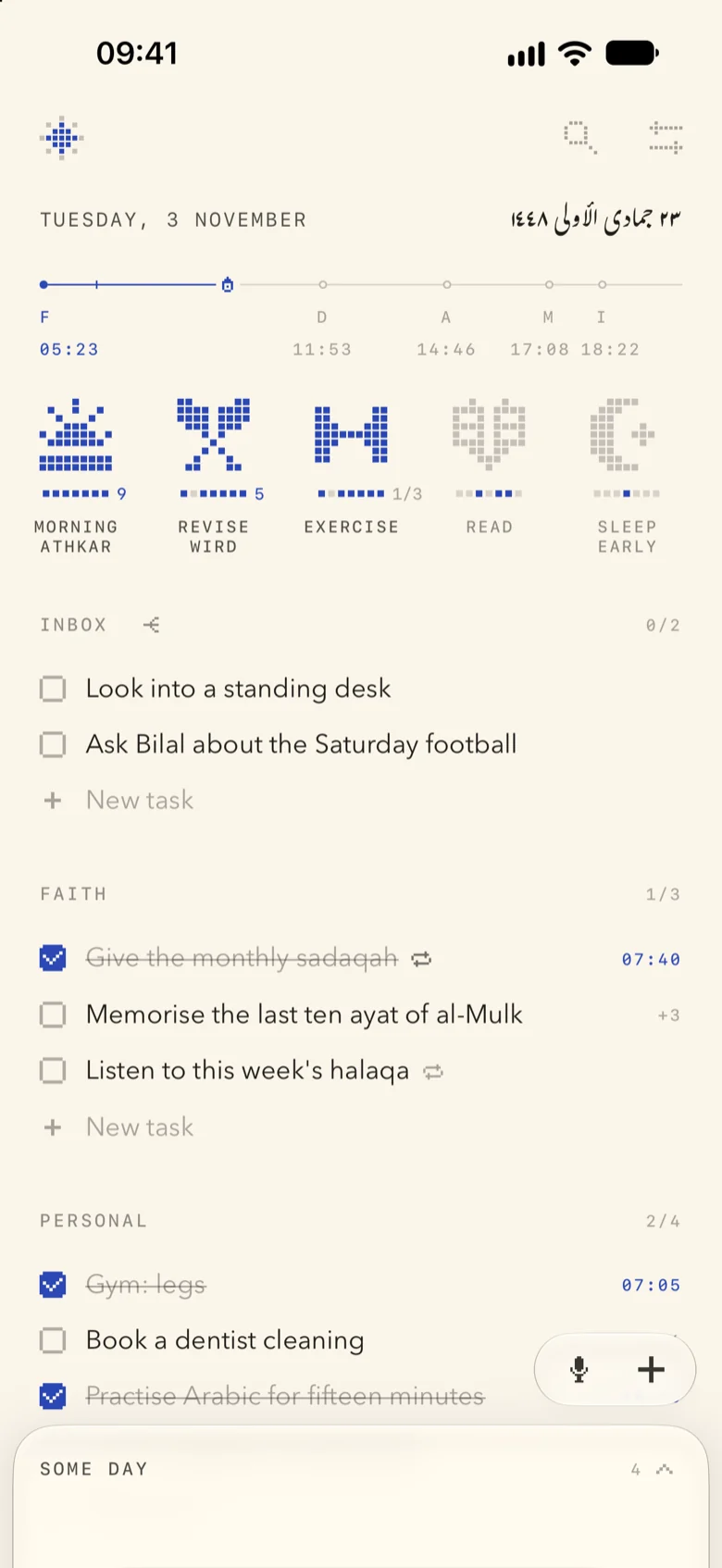
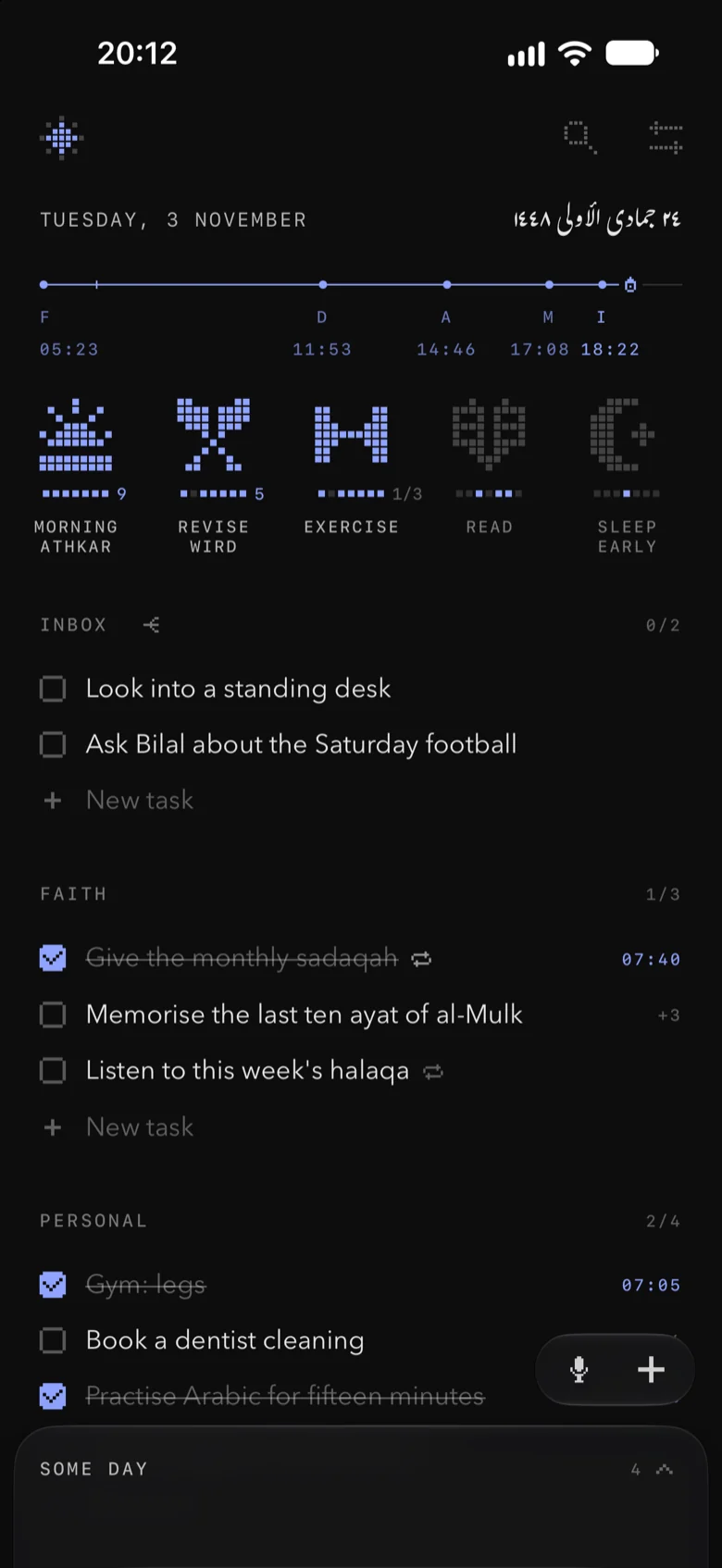
The prayer line runs from Fajr to Isha with a lantern at now. The Hijri date faces the date, and the page turns black at Maghrib and cream again at Fajr.
09:41
Slide the time past Maghrib.

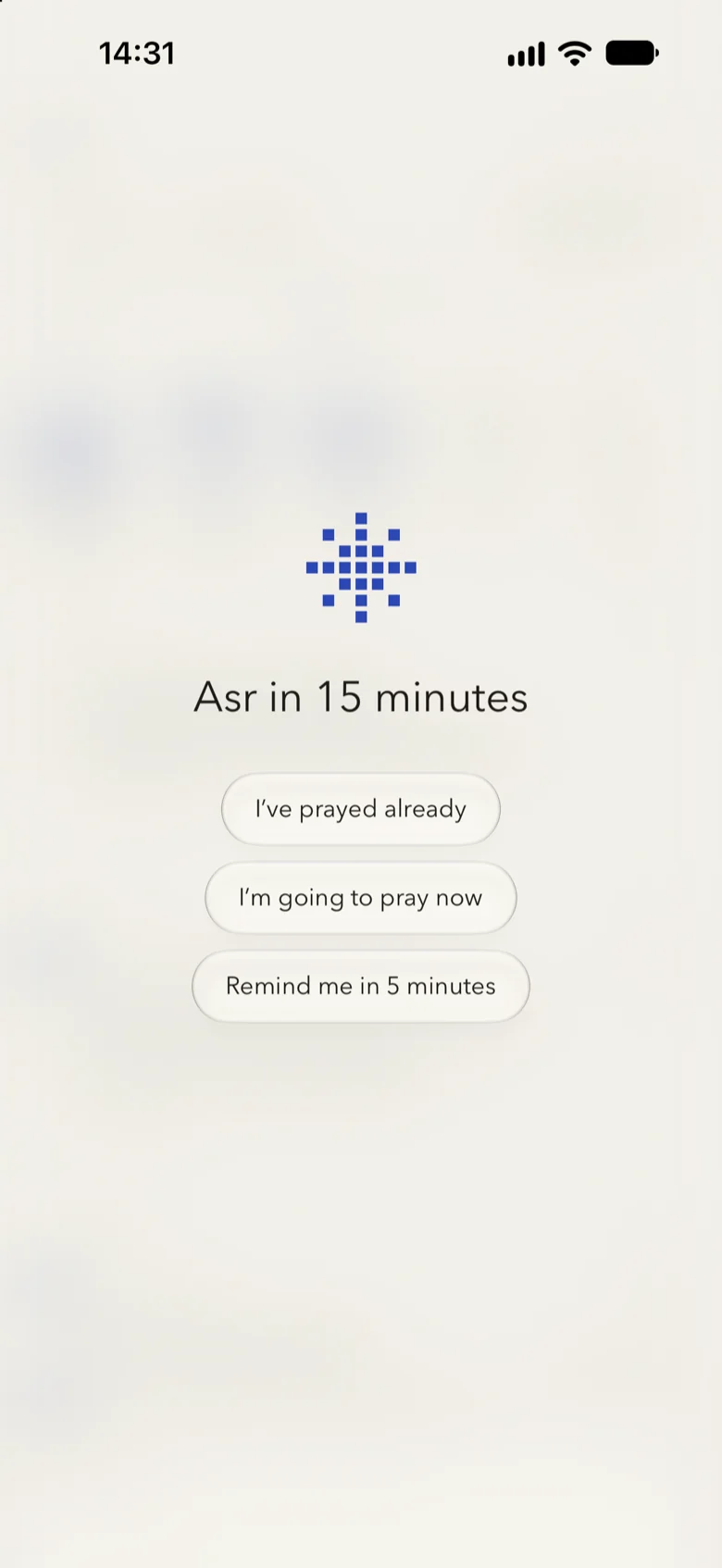
A quiet page before each prayer
Five to thirty minutes before a prayer, what’s on screen blurs and one page takes over: Asr in 15 minutes. Answer with I’ve prayed already, I’m going to pray now, or Remind me in 5 minutes.
It comes only while the app is open, never as a notification, and never during a call or while your screen is shared. Answered on one device, it clears on the rest.
The same pages on iPhone and Mac
Your list syncs through your own iCloud, so a task checked on one is checked on the other.
On iPhone
- Widgets for the Home Screen and Lock Screen: the prayer line, and seals you can tap to keep
- Add a task with Siri, Shortcuts, Control Center or the Action button
- Share a link from Safari straight into your Inbox
On Mac
- The star in the menu bar, opening on today’s prayer times
- Quick capture from any app, on keys you choose
- A key for everything: ⌘N to write, ⌘F to find, ⌘[ and ⌘] between days
No account,
no tracking.
Just your iCloud. There’s no sign up, no ads, no analytics and no server of mine: your pages stay on your devices and sync through your private iCloud.
Prayer times, your voice and the sorting are all worked out on the device. Turn off iCloud and it all still works.
Read the privacy policyQuestions
When does a day end?
At 4am, so anything you do before then counts for the day before. You can move it anywhere from midnight to 6am in Settings ▸ Day.
Where do my checked tasks go?
They stay on Today, ticked, until the day ends, then move to History. Swipe right to go back through every page you’ve kept.
What does +3 beside a task mean?
It’s been carried over for three days. After a week it turns red and offers to move to Some day, a tray at the foot of the page for what isn’t for now.
Can I use it without the prayer times?
Yes. The prayer line, the Hijri date and the Bismillah on a blank page each turn off in Settings, and the page colour can be set to day or night on its own.
My prayer times look wrong.
Check Settings ▸ Prayer: the location, the calculation method, the Asr rule and, far north or south, the high latitude rule. Adjust Times moves any prayer by up to 30 minutes to match your mosque.
Does it sync between my iPhone and Mac?
Yes, through your own iCloud. Sign both in to the same Apple Account with iCloud on for Rūznāma. Settings ▸ Rūznāma ▸ iCloud says when the pages last synced, or what’s in the way.
What is the voice model?
An optional 1.56 GB download in Settings ▸ Capture that lets you speak English and Arabic together. It downloads over Wi‑Fi and runs on your device.
Can I get my tasks out?
Settings ▸ Rūznāma ▸ Export the Book saves every page as one Markdown file, with its dates, sections and checkboxes.
Something isn’t working.
Write to support@ruznama.app and say which device and system version you’re on. More answers are on the support page.
بسم الله الرحمن الرحيم
Faith · Personal · People · Work · Home · Errands